
Every time you stream a song, join a video call, or listen to a podcast, audio codec technology is working behind the scenes to shape what you hear. A codec compresses and decompresses digital audio, balancing file size against sound quality in ways that directly affect clarity, depth, and detail.
Understanding how audio codecs work helps you make smarter choices—whether you’re picking a streaming service, recording a project, or troubleshooting muddy sound. In this guide, we break down the basics of audio codec technology and show you exactly how it influences the audio you experience every day.
Introduction
Every time you stream a song, join a video call, or listen to a podcast, an audio codec is working behind the scenes. An audio codec is a technology that encodes and decodes digital audio, compressing sound so it can be stored, transmitted, and played back efficiently. Without codecs, a single minute of uncompressed CD-quality audio would take up roughly 10 megabytes (MB), which would make streaming and portable devices impractical.
Codecs affect how sound is captured, how much data is used, and ultimately what you hear. Some codecs prioritize small file sizes, while others preserve maximum fidelity. Understanding this trade-off helps you choose the right format for music production, video editing, streaming, or casual listening. This article explores what audio codec technology is and how it affects sound, with clear, practical guidance you can apply immediately.
You do not need an engineering degree to make better decisions about audio. You just need a basic grasp of what codecs do, where they are used, and how to match them to your goals. Whether you are a content creator, a remote worker, or a listener who cares about quality, this guide is for you.
Key Concepts
At its core, an audio codec is a set of rules for converting analog sound waves into digital data and back again. The term “codec” is a blend of “coder” and “decoder.” Encoding turns raw audio into a digital format; decoding turns that data back into sound you can hear.
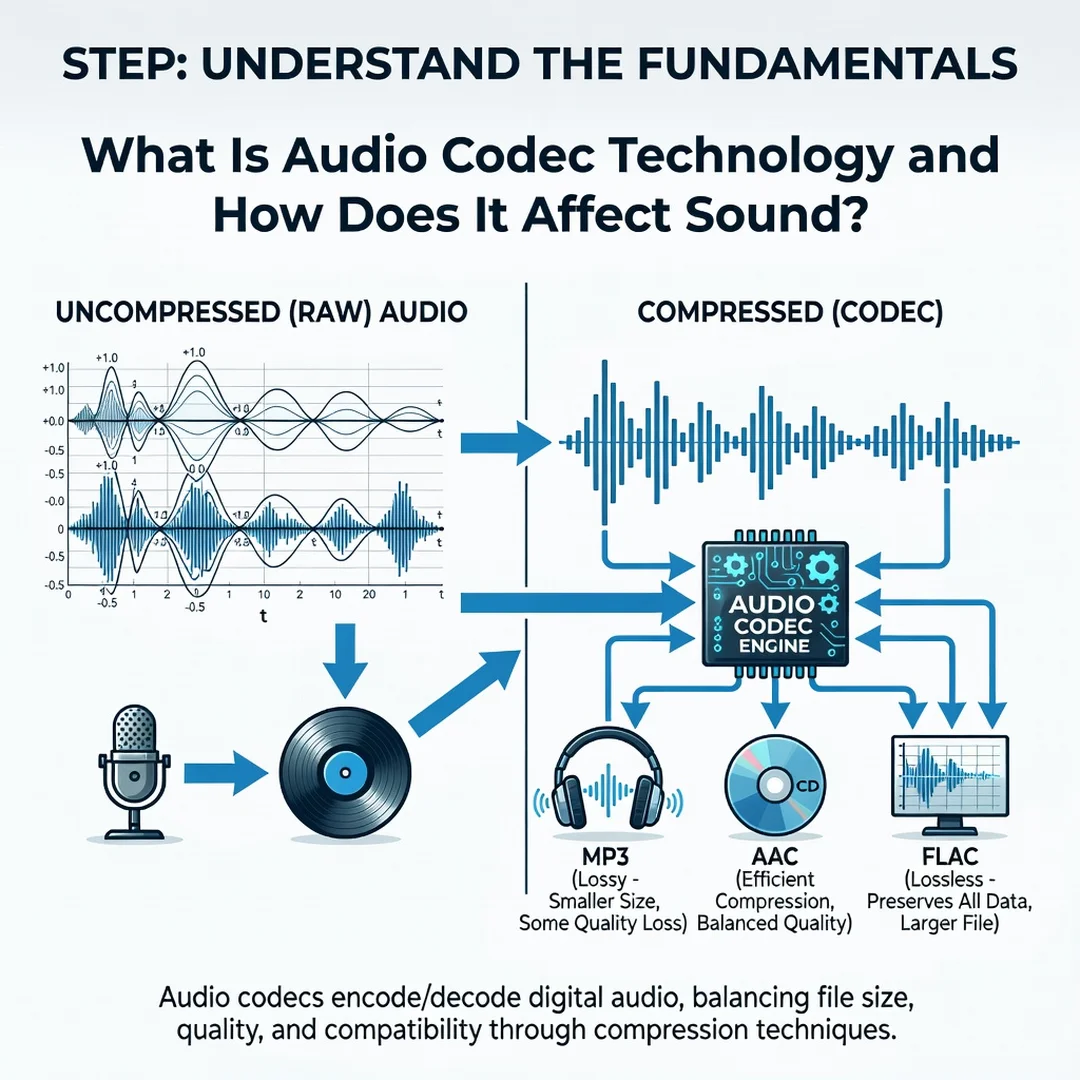
Codecs fall into two broad categories: lossless and lossy. Lossless codecs preserve the original audio data exactly. When you decode a lossless file, you get a bit-for-bit copy of the source. Common examples include FLAC, ALAC, and WAV (though WAV is often uncompressed rather than compressed lossless). Lossy codecs, by contrast, discard some information to achieve much smaller file sizes. MP3, AAC, and Opus are well-known lossy codecs.
Another key concept is bitrate, usually measured in kilobits per second (kbps). Bitrate describes how much data is used per second of audio. A higher bitrate generally means better sound quality but larger files. For lossy codecs, 128 kbps is considered low quality, 256 kbps is good for most listening, and 320 kbps is near the practical limit for MP3. Lossless files typically range from 700 to 1,400 kbps or higher.
Sample rate and bit depth are also fundamental. Sample rate is how many times per second the audio signal is measured, measured in kilohertz (kHz). CD quality is 44.1 kHz. Bit depth determines the dynamic range, or the difference between the quietest and loudest sounds. CD quality uses 16-bit depth, while professional recording often uses 24-bit.
Finally, latency matters for real-time applications like gaming, video calls, and live performance. Some codecs introduce more delay than others. Low-latency codecs such as Opus are preferred for interactive audio, while high-efficiency codecs like AAC are common for streaming and storage.
Deep Dive
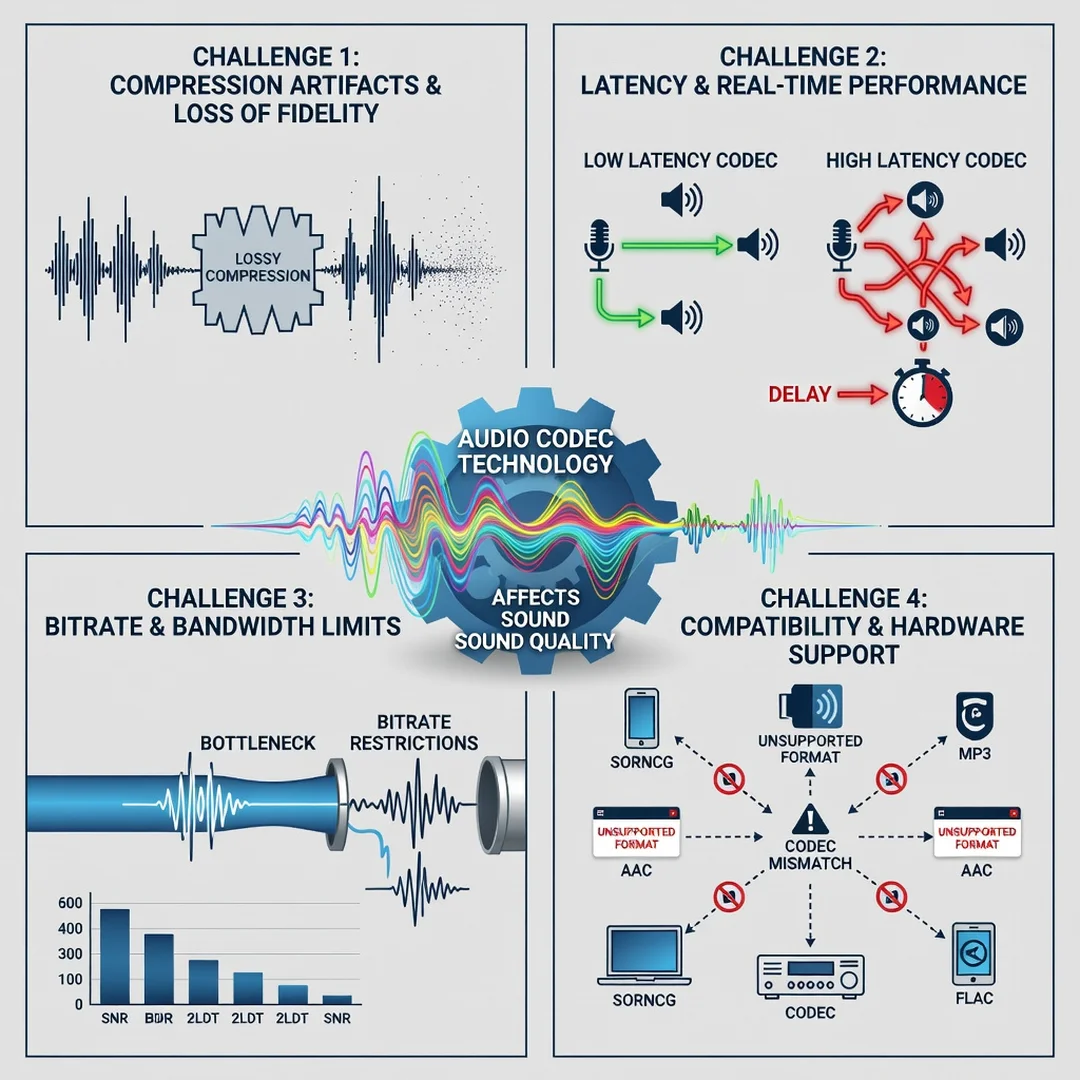
To understand how codecs affect sound, it helps to look at what happens during encoding. Lossy codecs use psychoacoustic models—rules based on how human hearing works. They remove sounds that most people cannot hear, such as frequencies above 20 kHz or quiet sounds masked by louder ones. This is called perceptual coding. When done well, the result is nearly indistinguishable from the original for most listeners. When done poorly or at very low bitrates, you may hear artifacts like swishing, metallic tones, or a lack of clarity in cymbals and consonants.
Lossless codecs, on the other hand, compress data without removing any information. They work more like a ZIP file for audio. FLAC, for example, can reduce a file to about 50–70% of its original size while preserving every detail. This makes lossless formats ideal for archiving, mastering, and critical listening.
The choice of codec also affects compatibility and hardware performance. MP3 is universally supported but older and less efficient. AAC offers better quality at the same bitrate and is standard on Apple devices and YouTube. Opus is newer, excellent for streaming and real-time communication, and is used by WhatsApp, Discord, and many web browsers. Some devices or software may not support every codec, so compatibility is a practical consideration.
Another factor is transcoding—converting from one codec to another. Each lossy-to-lossy conversion degrades quality further. If you start with a 128 kbps MP3 and convert it to AAC, you do not regain quality; you just add another layer of artifacts. Best practice is to keep a lossless master and encode to lossy formats only when needed for distribution.
Codecs also influence how audio behaves in different environments. For example, in a noisy commute, a high-bitrate lossy file may sound just as good as lossless because background noise masks the subtle differences. In a quiet listening room with good headphones, lossless can reveal details that lossy compression smooths over. Understanding your listening context helps you decide how much to invest in codec quality.
Best Practices
Applying codec knowledge effectively comes down to matching the format to the job. Here are practical guidelines:
- For archiving and mastering: Use lossless formats like FLAC or WAV. Storage is cheap, and you preserve the option to re-encode later without generation loss.
- For portable listening: Use high-bitrate lossy files (256–320 kbps AAC or MP3). The difference from lossless is often inaudible on typical earbuds in everyday environments.
- For streaming and video calls: Choose low-latency codecs like Opus. They maintain clarity while keeping delays minimal.
- For video editing: Keep source audio in a lossless or high-quality format during editing. Export to lossy only at the final delivery stage.
- For sharing online: Use AAC or Opus at a reasonable bitrate. They balance quality and file size well for web and mobile playback.
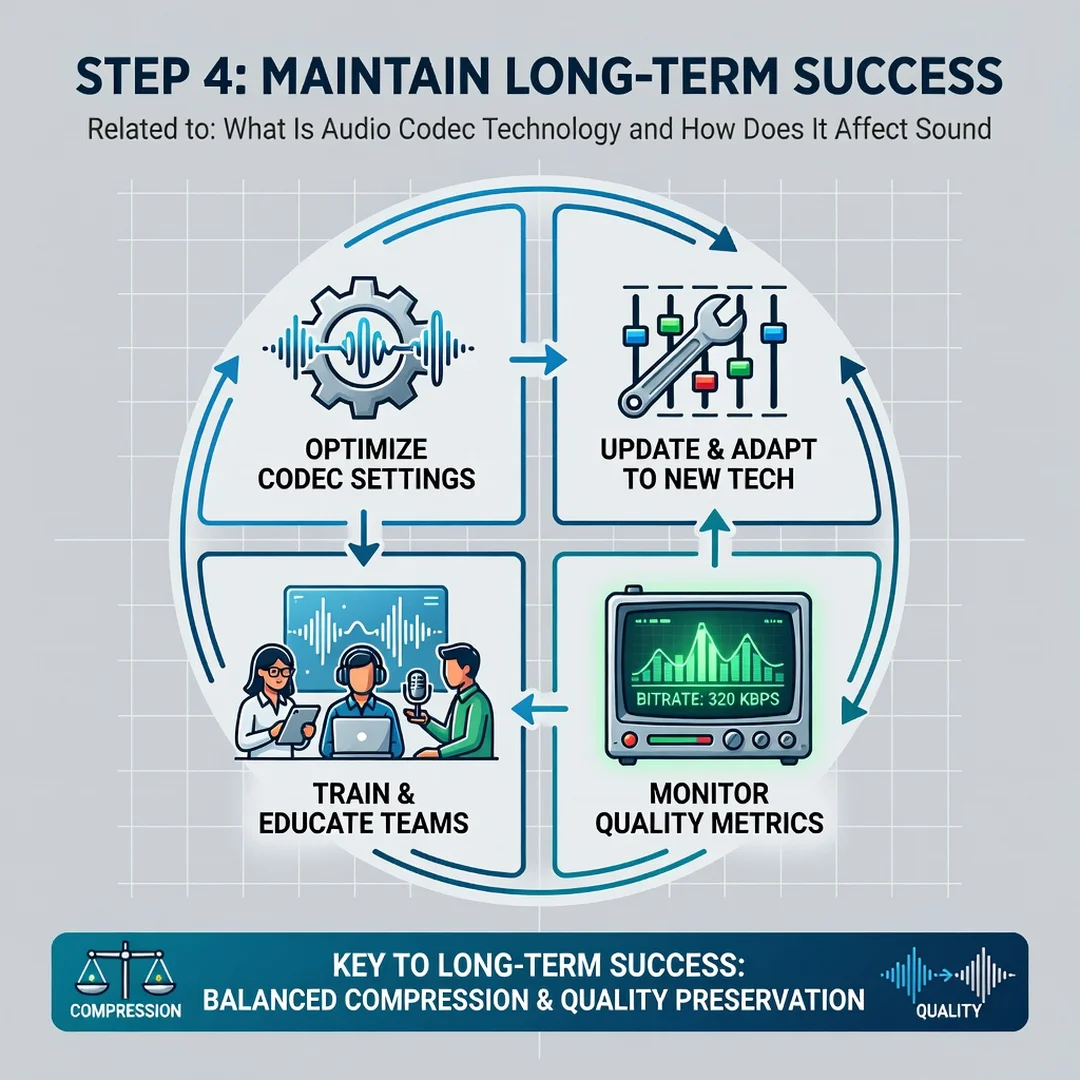
Consistency matters too. Reliable information and consistent habits lead to better long-term outcomes. If you always archive in lossless and encode once for distribution, you avoid the quality degradation that comes from repeated conversion. Label your files clearly, including codec and bitrate, so you can make informed choices later.
Finally, trust your ears. Technical specs are useful, but listening tests in your actual environment are the ultimate measure. If a 256 kbps AAC file sounds transparent to you on your equipment, there is no practical benefit to using a larger file for that purpose.
Step-by-Step Guide
Step 1: Understand the fundamentals
Before choosing a codec, learn the basics of lossless versus lossy, bitrate, sample rate, and bit depth. Knowing these terms helps you interpret settings in apps and devices. A good starting point is to compare a WAV file and a 128 kbps MP3 of the same song on good headphones. Notice the difference in clarity, especially in cymbals and reverb tails. This firsthand experience builds intuition.
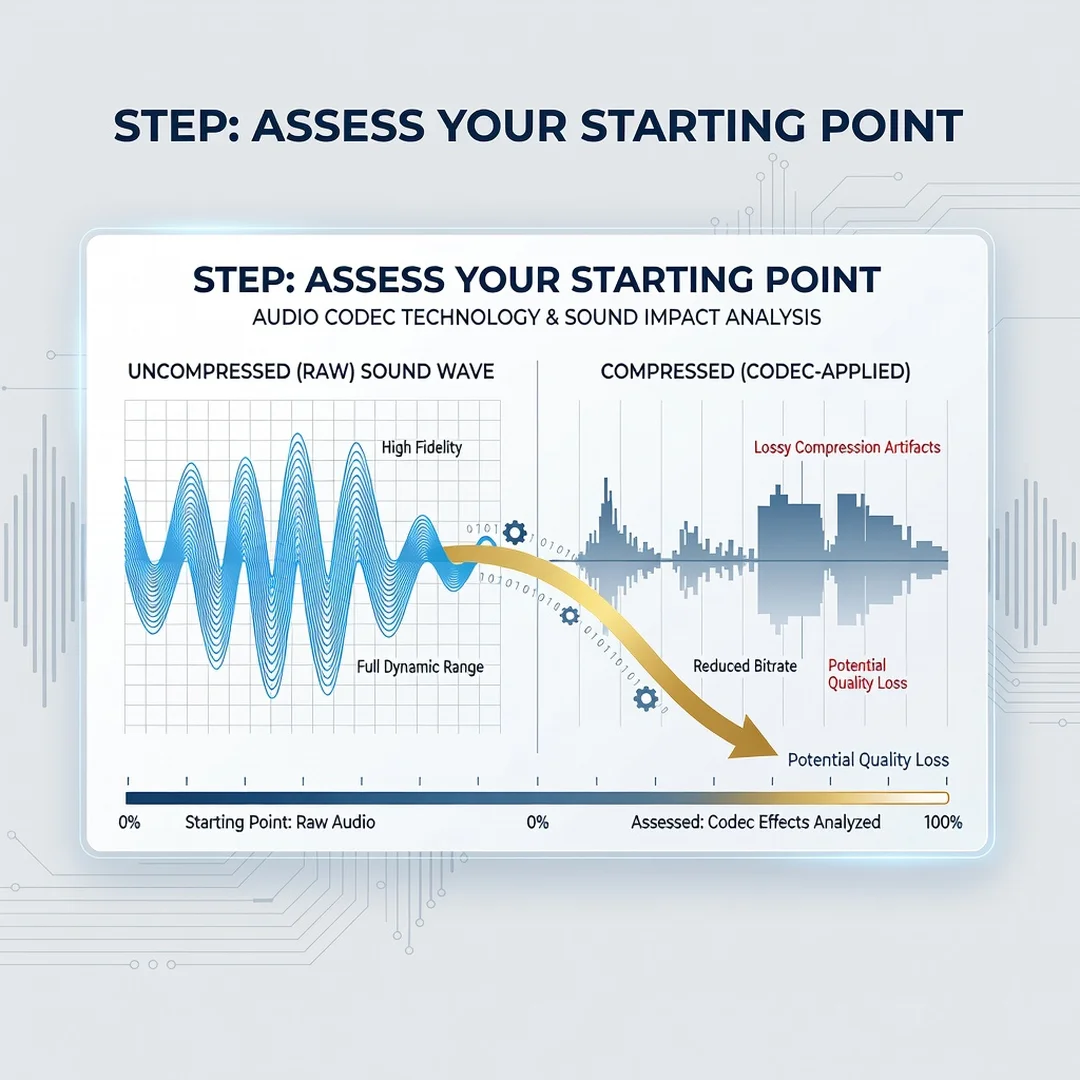
Step 2: Assess your starting point
Look at the audio files and tools you already use. What formats are your music library, voice recordings, or video projects in? Check the bitrate and codec of a few files. On most computers, you can right-click a file and view its properties. Note whether you have lossless sources or only compressed files. This baseline tells you where quality may already be limited.
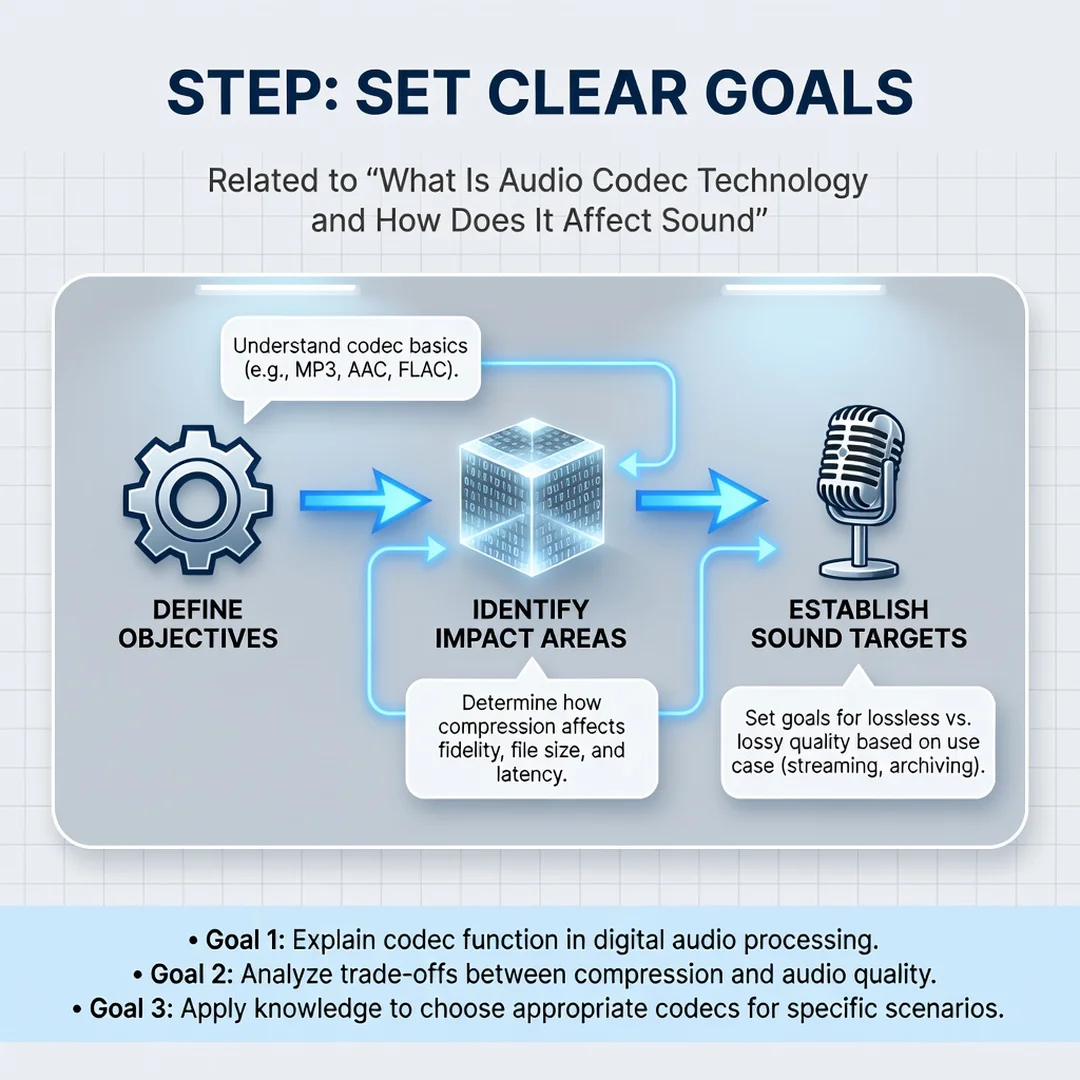
Step 3: Set clear goals
Decide what you want to achieve. Are you archiving a music collection? Producing a podcast? Optimizing audio for a mobile app? Each goal points to different codec priorities. For archiving, prioritize lossless. For podcast distribution, prioritize a widely supported lossy codec like AAC at 128–192 kbps. For real-time communication, prioritize low latency. Write down your goals so you can evaluate trade-offs objectively.
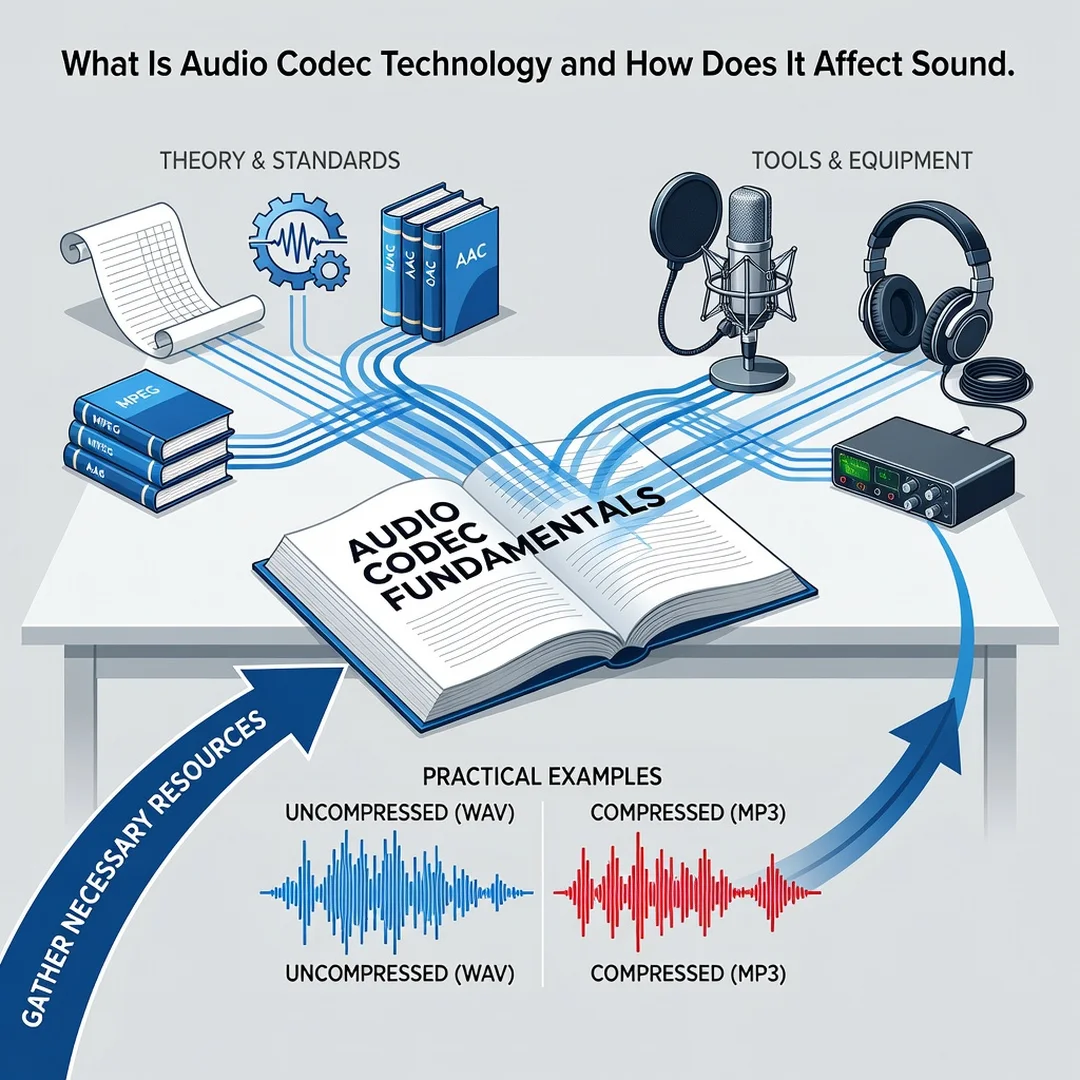
Step 4: Gather necessary resources
You will need reliable encoding software. Free options include Audacity, FFmpeg, and Freac. For playback, use a media player that supports multiple codecs, such as VLC. If you are serious about quality, invest in a decent pair of headphones or monitors. Calibrated listening gear reveals differences that laptop speakers hide. Also, ensure you have enough storage for lossless files if you choose that route.
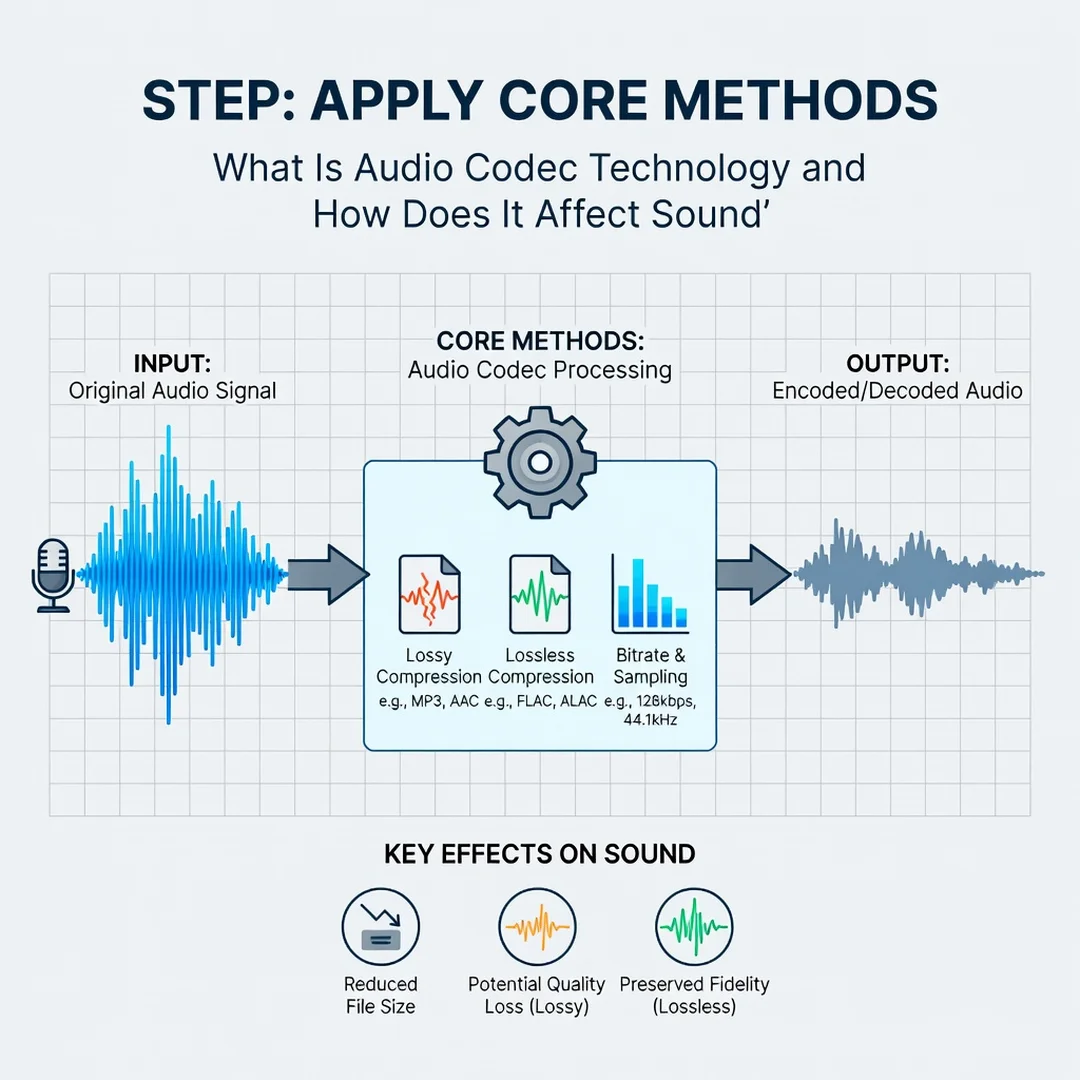
Step 5: Apply the core methods
Start by converting a representative sample of your audio to your chosen codec and bitrate. Use batch processing if available. For lossless archiving, convert WAV to FLAC to save space without losing quality. For distribution, encode to AAC or Opus at your target bitrate. Always keep the original lossless file as a master. Avoid converting lossy to lossy whenever possible. Test the results on different devices—phone, laptop, car stereo—to confirm they meet your expectations.
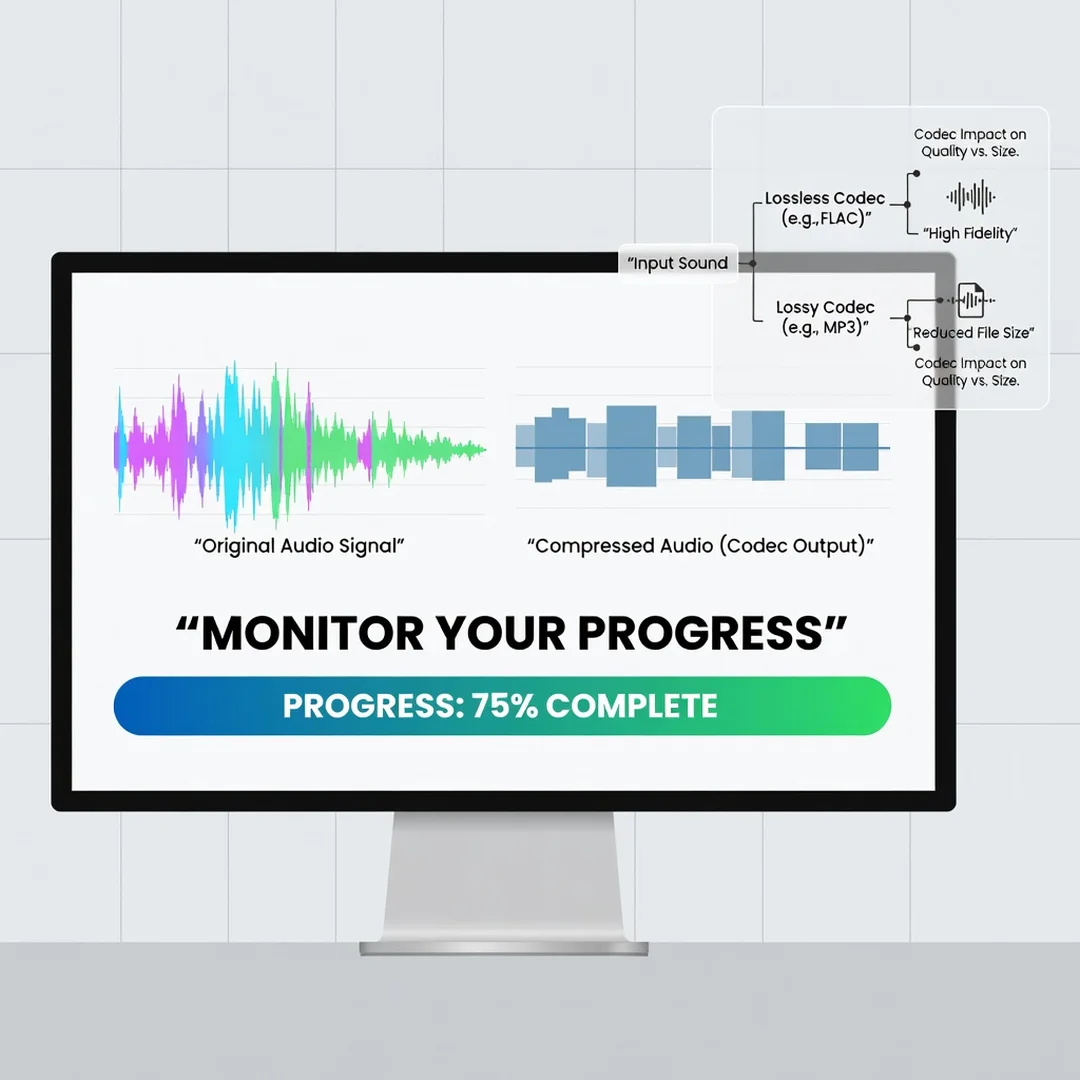
Step 6: Monitor your progress
After applying your chosen codec settings, listen critically over time. Do you notice artifacts in familiar tracks? Are file sizes manageable? If you share audio, ask trusted listeners for feedback. Keep a log of settings that work well for different use cases. Revisit your choices as new codecs emerge or your needs change. Consistent monitoring ensures you catch problems early and refine your workflow.
FAQ
What should I know about What Is Audio Codec Technology and How Does It Affect Sound?
You should know that codecs compress audio to save space and bandwidth, and that this compression can be lossless or lossy. Lossless preserves every detail; lossy removes some data based on human hearing limits. The codec and bitrate you choose directly influence file size, compatibility, and perceived sound quality. For most everyday listening, a high-bitrate lossy file is indistinguishable from the original. For archiving or professional work, lossless is safer. Understanding these basics helps you avoid unnecessary quality loss and make informed decisions.
Who is this guide for?
This guide is for anyone who wants to make better audio decisions without deep technical jargon. That includes content creators, podcasters, video editors, remote workers, students, and everyday listeners who care about sound quality. If you have ever wondered why one file sounds better than another or which format to use for a project, this guide is for you. No prior audio engineering experience is required.
Conclusion
Audio codec technology shapes how we capture, store, and experience sound. From the lossless FLAC files in a music archive to the low-latency Opus streams in a video call, codecs determine.
You now have a solid foundation for What Is Audio Codec Technology and How Does It Affect Sound. Apply the best practices above and revisit this guide as your needs evolve.