

Artificial intelligence is no longer just a buzzword — it’s reshaping how we create, process, and experience sound. From voice assistants that understand natural speech to noise-cancelling headphones that adapt in real time, AI is quietly powering the audio tools we rely on every day.
For beginners and IT administrators alike, understanding how artificial intelligence in audio technology works can unlock smarter workflows and better system performance. In this article, we’ll explore the key innovations, real-world applications, and practical considerations you need to know.
Introduction
Artificial intelligence has moved from research labs into the everyday audio tools that millions of people rely on. If you have ever used a voice assistant, joined a video call with background noise suppression, or streamed music that sounded surprisingly clear on cheap earbuds, you have already encountered AI-driven audio technology. What was once the domain of signal-processing engineers is now accessible to beginners and manageable by IT administrators who need to deploy, troubleshoot, and secure these systems across an organization.
This guide covers How Artificial Intelligence Is Transforming Modern Audio Technology in practical, step-by-step detail. You will learn the core concepts behind AI audio, how to evaluate and deploy tools safely, and what to watch for when mixing new software with existing hardware. The material is written for two audiences: beginners who want a clear mental model, and IT administrators who need actionable deployment guidance. By the end, you should be able to explain how AI audio works, choose the right tools for your environment, and avoid the most common installation and compatibility pitfalls.
The transformation is not just about better sound. It is about automation, accessibility, and scale. AI can transcribe meetings in real time, separate vocals from instruments, restore degraded recordings, and adapt audio to different listening environments. Each of these capabilities carries its own hardware requirements and software dependencies, which is why a structured approach matters. Throughout this article, you will find practical checks, including the critical reminder to always verify software compatibility with your hardware architecture (ARM64 vs x86), and to keep your operating system updated before installation to prevent dependency conflicts.
Key Concepts
Before you install anything, it helps to understand the building blocks. AI audio systems generally combine three layers: data capture, model inference, and output processing. Data capture converts sound waves into digital samples. Model inference runs a trained neural network that performs a task such as noise reduction, speech recognition, or source separation. Output processing turns the model’s result back into audio or text that a human or another system can use.
Several terms appear repeatedly in AI audio documentation. Knowing them will make vendor guides and forum posts far easier to follow.
- Neural network: A mathematical model trained on examples. In audio, it learns patterns such as what speech looks like versus what traffic noise looks like.
- Latency: The delay between input and output. Real-time applications like live calls need low latency, often under 20 milliseconds.
- Sample rate: How many digital snapshots of sound are taken per second. Common rates are 44.1 kHz and 48 kHz.
- Model size: Larger models can be more accurate but demand more memory and compute power.
- Inference engine: The runtime that executes the model, such as ONNX Runtime, TensorFlow Lite, or a vendor-specific SDK.
- Hardware acceleration: Specialized chips such as GPUs, NPUs, or DSPs that speed up inference.
From an IT perspective, the most important concept is the separation between the model and the runtime. A model file alone does nothing. It needs a compatible inference engine, and that engine must match your CPU architecture. This is where many deployments fail. Always verify software compatibility with your hardware architecture (ARM64 vs x86). An x86 installer will not run on an ARM64 server, and an ARM64 build may lack features available in the x86 version. Confirm the architecture of every machine before downloading binaries.
Another key concept is the difference between batch and real-time processing. Batch processing, such as cleaning up a recorded podcast, can tolerate seconds of delay and often runs on a CPU. Real-time processing, such as live captioning, needs acceleration and careful buffer management. Matching the processing mode to the hardware is the single biggest factor in whether a deployment feels smooth or frustrating.
Finally, understand that AI audio is probabilistic. Models make mistakes. A noise suppressor may clip the start of a word; a transcriber may confuse similar-sounding names. Good deployments include a human review step or a fallback path, especially in regulated environments where accuracy matters.
Deep Dive
Now let us look at how these concepts play out in real systems. AI audio technology is transforming several domains at once, and each domain has distinct technical demands.
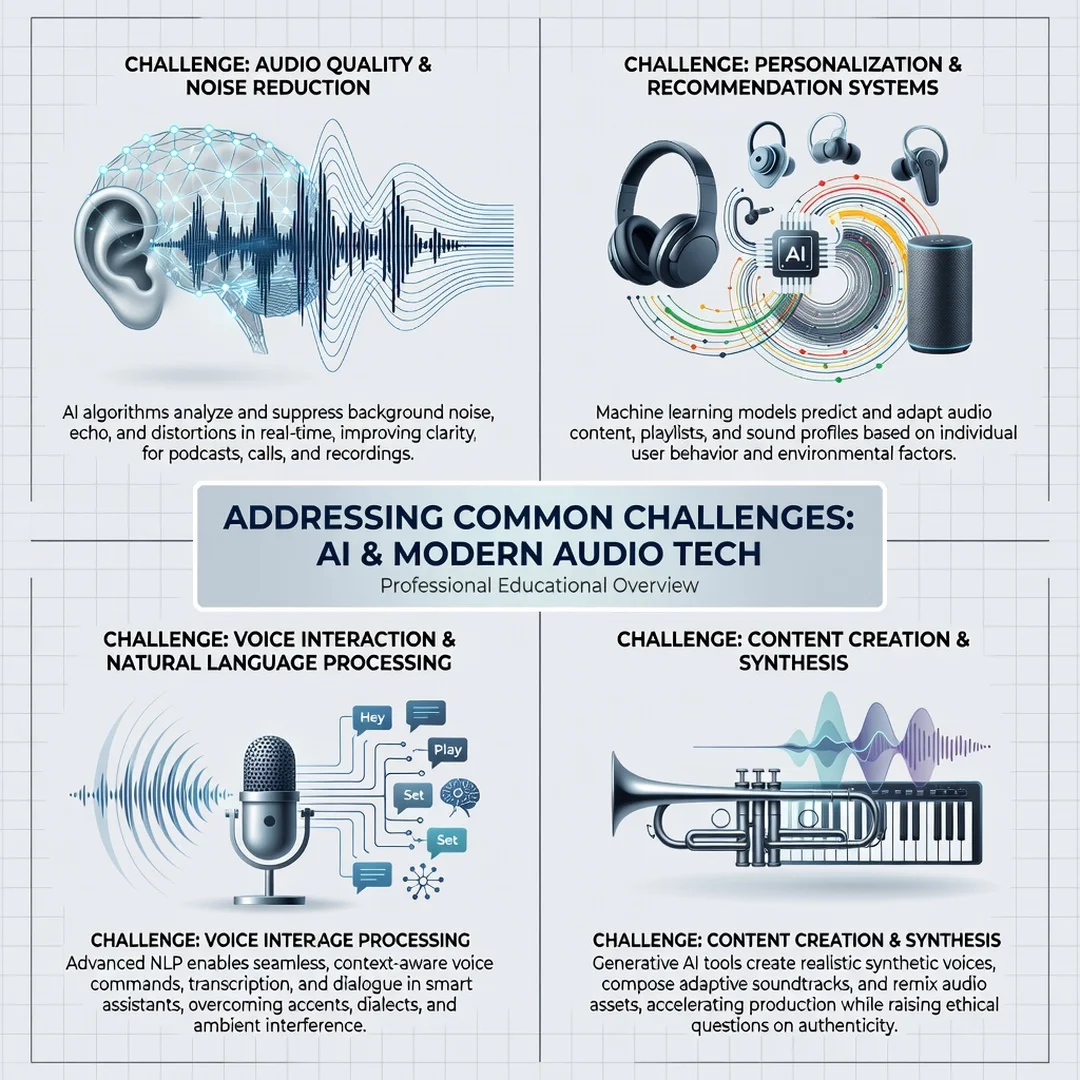
Noise suppression and enhancement. Traditional noise gates simply mute audio below a threshold. AI models instead learn the statistical signature of noise and subtract it while preserving speech. This is why modern video conferencing tools can remove keyboard clatter without making voices sound robotic. Under the hood, these tools often use recurrent neural networks or transformer models that process short audio windows. The trade-off is compute cost: high-quality suppression may consume 5–15% of a modern CPU core per stream. On a server handling dozens of concurrent calls, that adds up quickly, which is why IT administrators often pair these tools with GPU or NPU acceleration.
Speech recognition and transcription. Automatic speech recognition (ASR) has improved dramatically because of large training datasets and transformer architectures. Modern ASR can handle accents, punctuation, and speaker diarization, which labels who said what. For IT administrators, the main concerns are data privacy and storage. Transcription often sends audio to a cloud API, which may violate internal policies. On-premises models exist but require significant disk space and memory. A typical on-premises ASR model may need 2–8 GB of RAM and a GPU for real-time performance.
Source separation and restoration. AI can split a mixed recording into vocals, drums, bass, and other instruments. It can also restore old recordings by removing hiss and clicks. These tasks are usually batch-oriented and benefit from GPU acceleration. They are popular in media production and archival work.
Personalization and adaptation. Some AI audio systems adapt to the listener. For example, they may boost frequencies that a user has trouble hearing or adjust equalization based on the room. This requires a feedback loop: measure the output, compare it to a target, and adjust. The loop must be stable, or it will produce artifacts. Good implementations include limiting and smoothing to prevent runaway adjustments.
Across all these domains, three practical rules apply. First, match the model to the task; a small model for keyword spotting will fail at full transcription. Second, provision hardware based on concurrency, not just single-stream performance. Third, test with real-world audio, not just clean samples. Real audio contains clipping, background chatter, and varying microphone quality.
For IT administrators, integration is often the hardest part. AI audio tools may need access to microphones, audio drivers, and network ports. They may conflict with existing virtual audio devices or antivirus software. Before rolling out to a group, pilot on a small set of machines that represent your hardware diversity, including both ARM64 and x86 systems. Document which combinations work and which do not.
Step-by-Step Guide
The following steps apply whether you are a beginner setting up a personal AI audio tool or an IT administrator planning an organizational rollout.
Step 1: Understand the fundamentals
Start by clarifying what the tool actually does. Read the documentation and identify the model type, the inference engine, and the required inputs and outputs. Ask whether it processes audio in real time or in batches. Determine whether it runs locally or in the cloud. Write down the answers in plain language. If you cannot explain the tool to a colleague in two sentences, you do not understand it well enough to deploy it safely.
Step 2: Assess your starting point
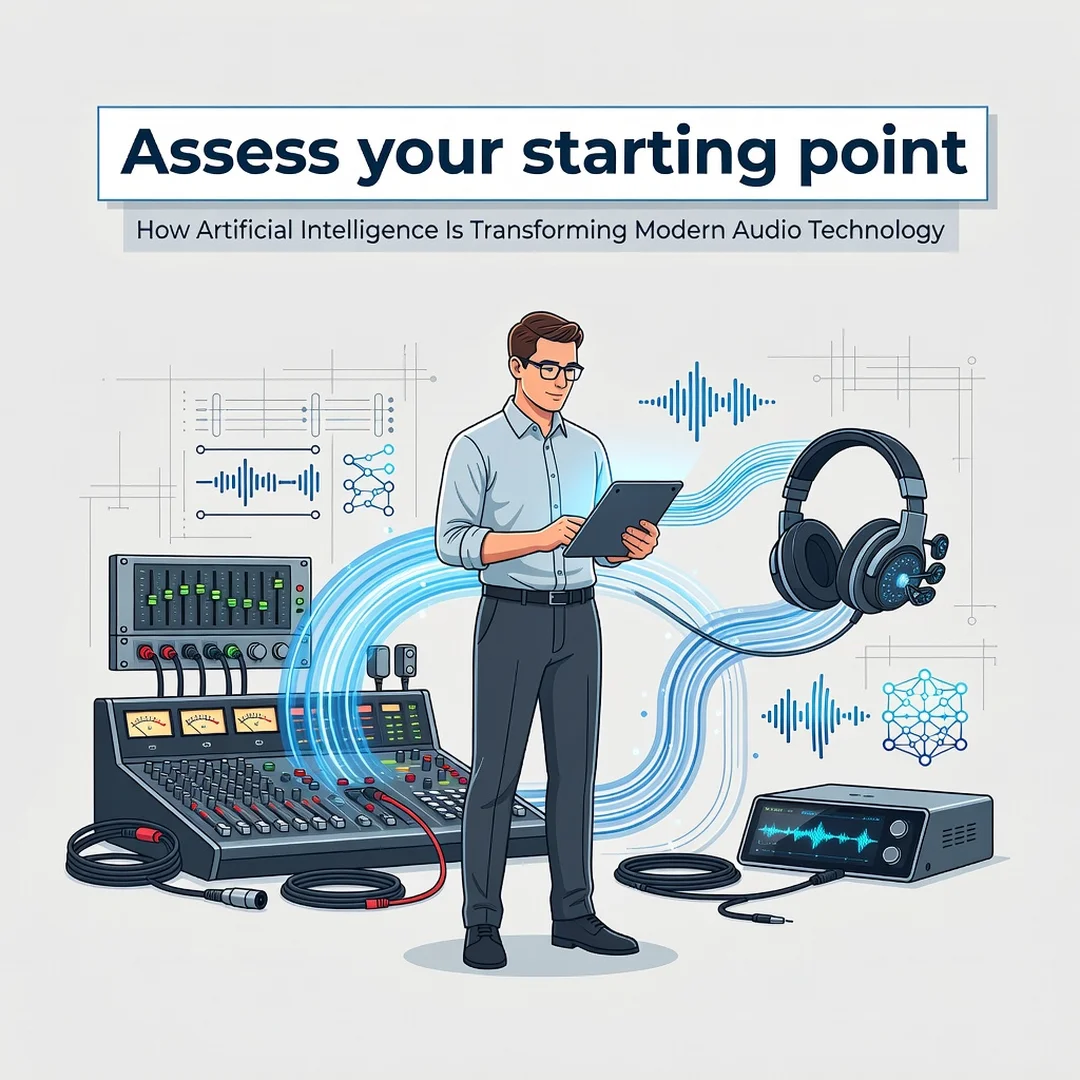
Inventory your hardware and software. Check the CPU architecture of every target machine. On Windows, you can inspect system information; on Linux, run uname -m to see whether the system reports x86_64 or aarch64. Check available RAM, disk space, and whether a GPU or NPU is present. Record your operating system version and patch level. This baseline prevents surprises later. Remember that keeping your operating system updated before installation prevents dependency conflicts, because many AI runtimes rely on recent system libraries.
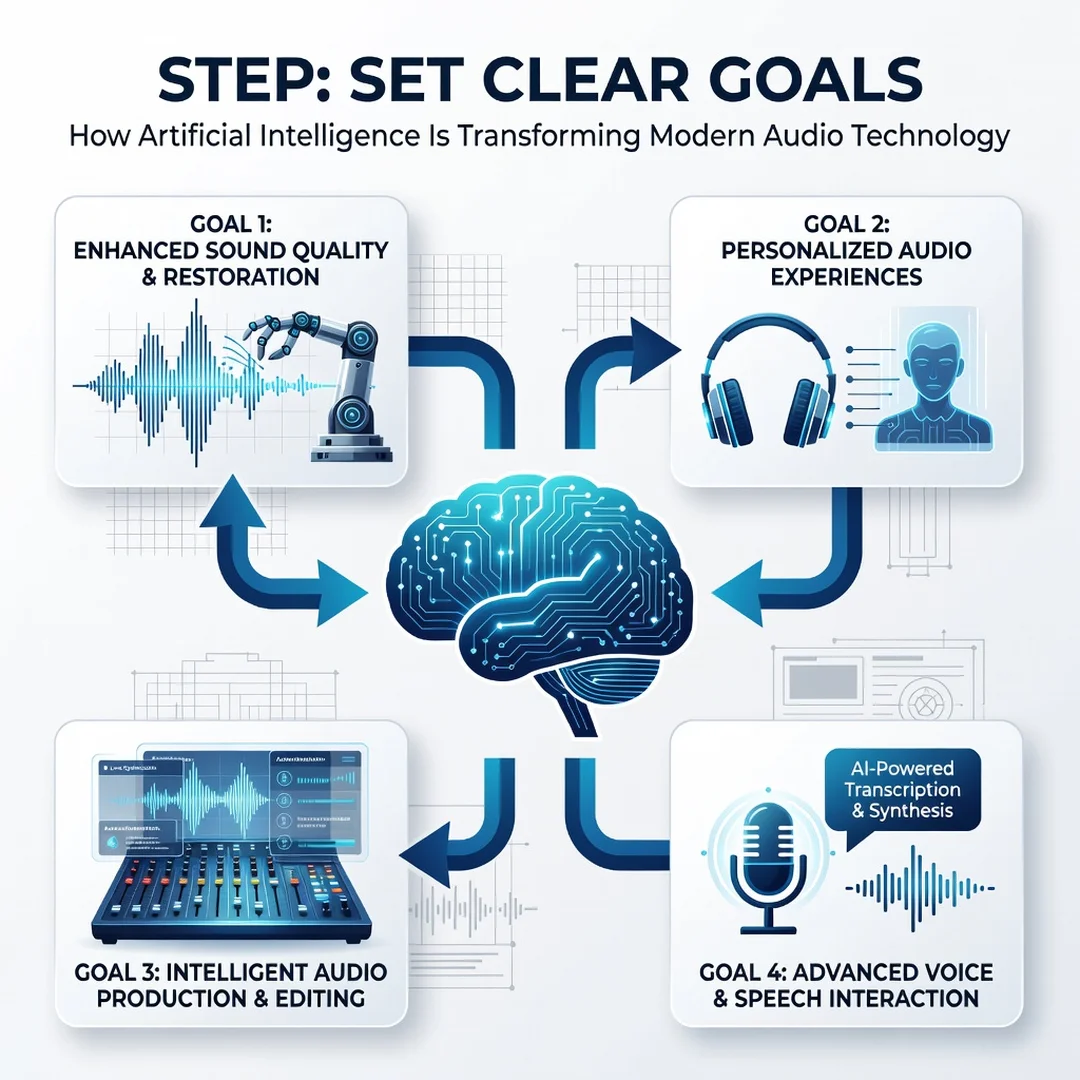
Step 3: Set clear goals
Define what success looks like. A beginner might aim for a working transcription of a 30-minute meeting. An IT administrator might target 50 concurrent noise-suppressed calls with less than 5% CPU overhead per stream. Make goals measurable: latency targets, accuracy thresholds, and resource ceilings. Clear goals also tell you when to stop tuning and start using the tool.
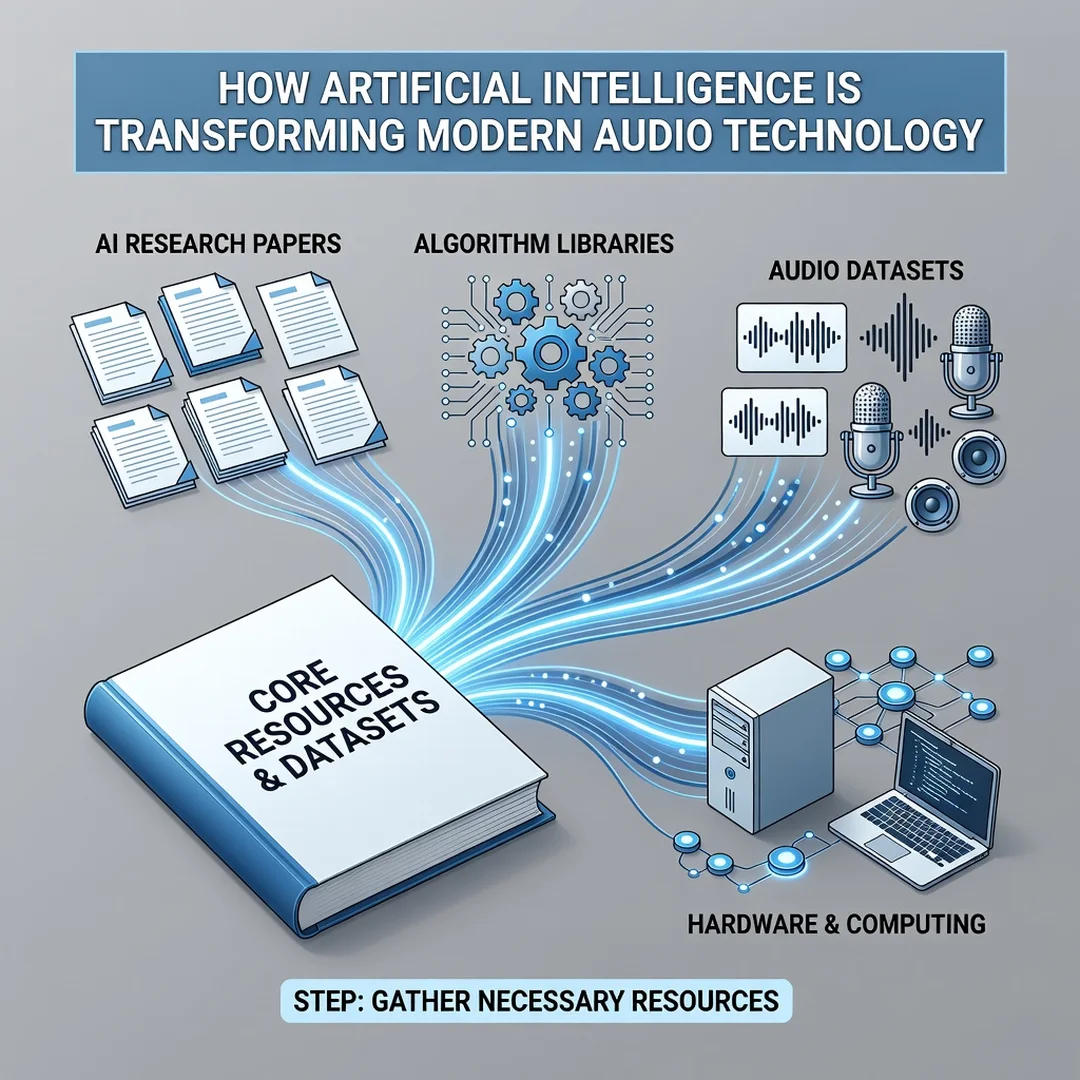
Step 4: Gather necessary resources
Collect installers, model files, licenses, and documentation. Download only from official sources. Verify checksums when provided. Confirm that each installer matches your architecture. If a vendor offers separate ARM64 and x86 builds, download the correct one for each machine. Prepare test audio samples that reflect your real environment, including noisy and quiet recordings. For cloud services, obtain API keys and confirm network access.
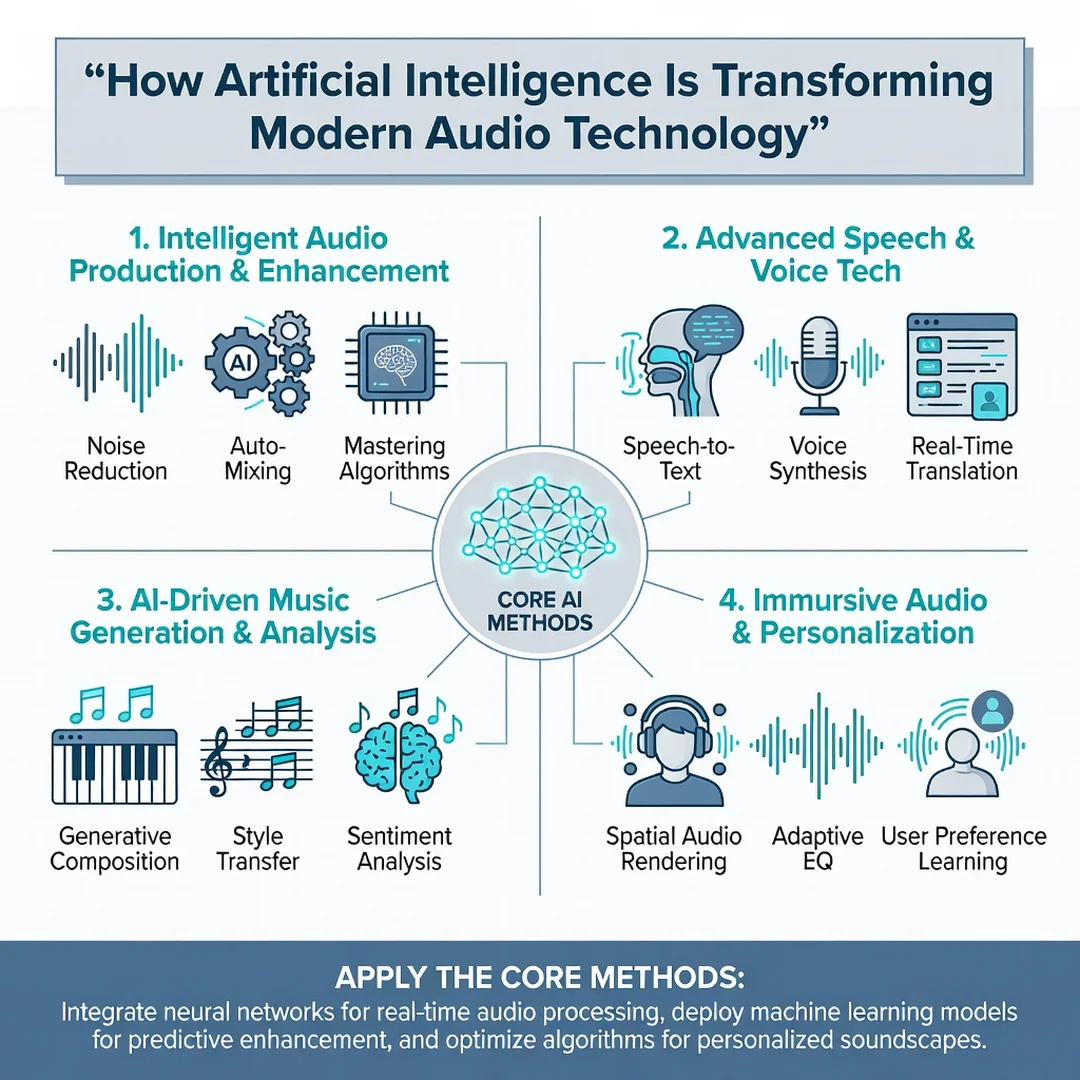
Step 5: Apply the core methods
Install on a single test machine first. Update the operating system, then install dependencies such as runtime libraries or GPU drivers. Install the AI audio tool, then run a simple test. For noise suppression, play a noisy sample and listen. For transcription, process a short clip and compare the text to the original. Measure latency and resource usage. If the tool supports configuration, start with conservative settings and increase quality gradually. Once the single machine works, replicate the exact steps on a second machine with different hardware to confirm portability.
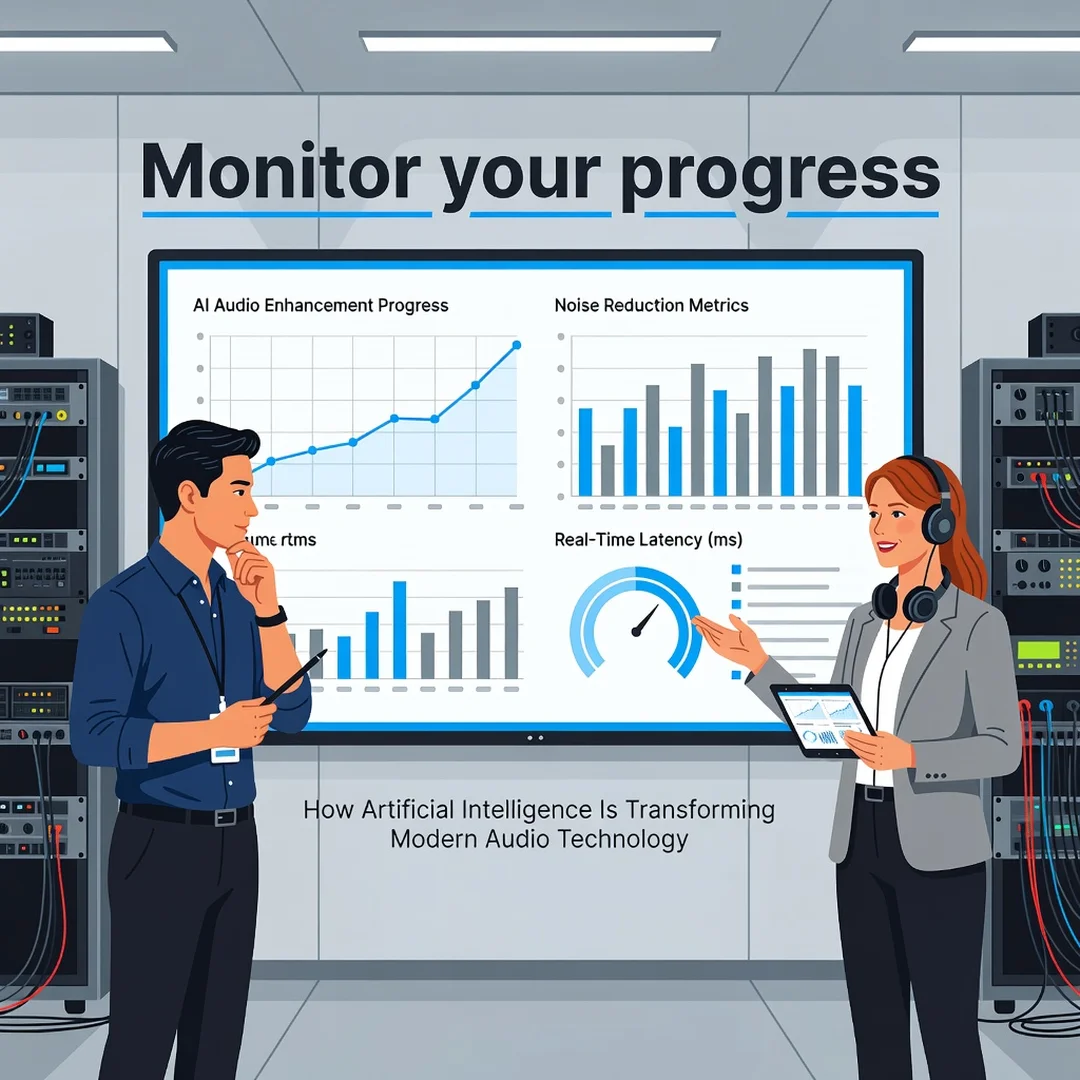
Step 6: Monitor your progress
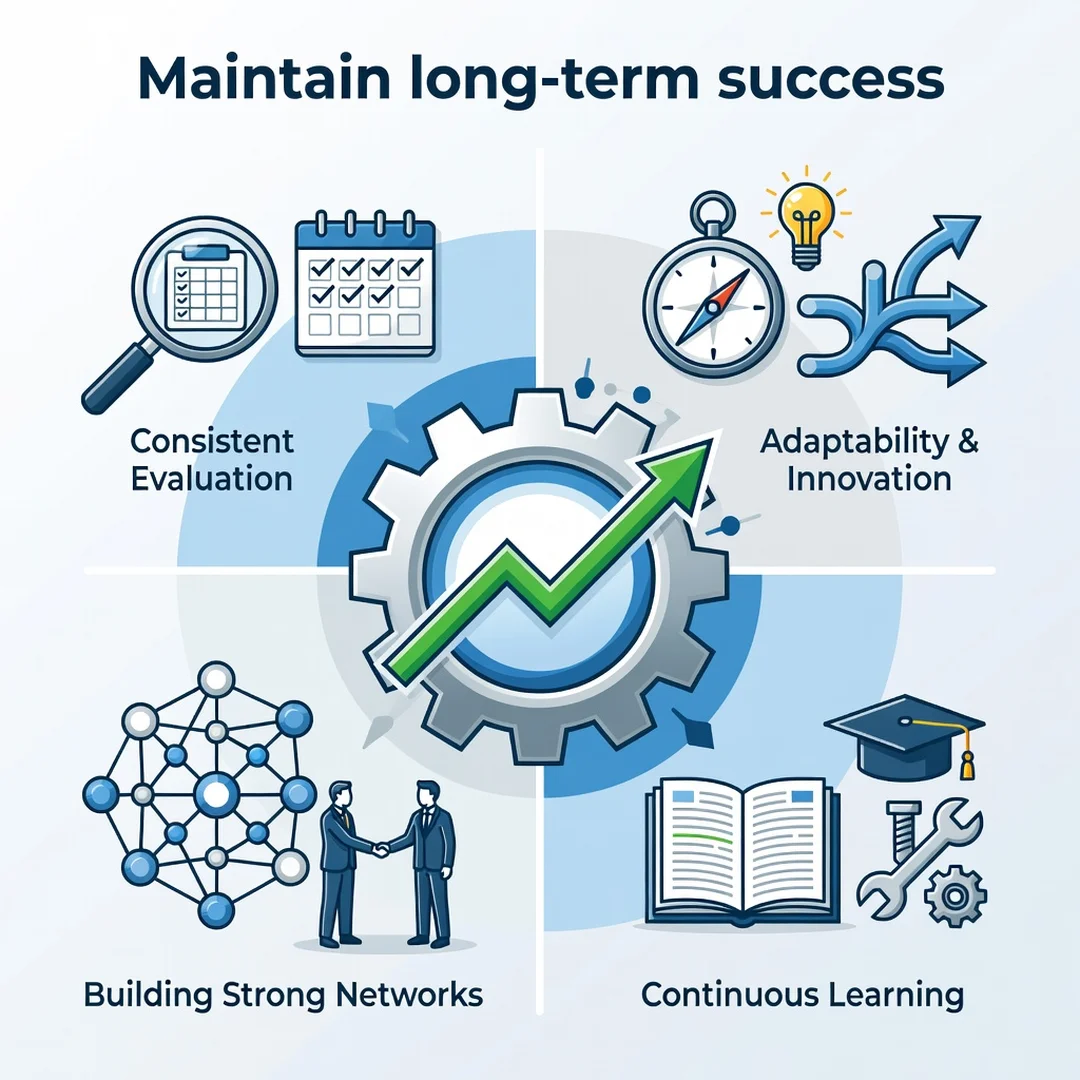
After deployment, track the metrics you defined earlier. Monitor CPU, memory, GPU, and latency. Collect user feedback, especially about accuracy and audio artifacts. Set up alerts for resource spikes or dropped streams. Review logs for errors related to missing libraries or driver conflicts. Schedule periodic updates, but test them in a staging environment first. Monitoring turns a one-time installation into a reliable service.
Best Practices
The following practices reduce risk and improve results. They are drawn from common failure patterns in AI audio deployments.
- Verify compatibility before installation. Always verify software compatibility with your hardware architecture (ARM64 vs x86). Do not assume an installer will work on both.
Update the operating system first. Keeping your operating system updated before installation prevents dependency conflicts. Install pending updates, then.
You now have a complete workflow for How Artificial Intelligence Is Transforming Modern Audio Technology. Keep your system updated, monitor resource usage, and revisit this guide when software versions change.
Next steps: harden your server firewall, set up automated backups, and explore related tutorials linked above.